Log in to your member portal
MyAlumPass is issued through your alumni association. You access it through the same member portal your association already uses — no separate app or account is needed.
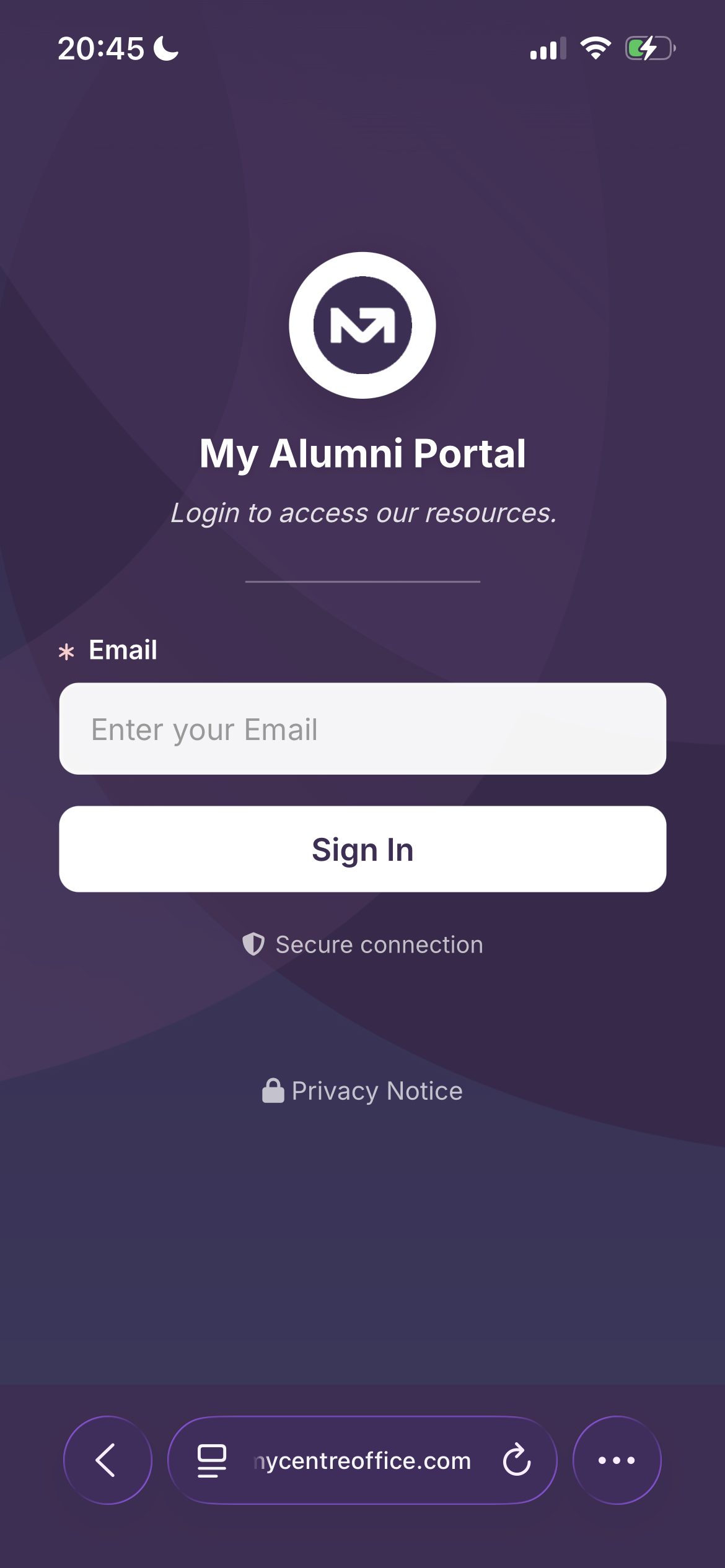
Visit the portal link your association provides, enter your registered email address, and sign in. You will receive a PIN to confirm your identity. The portal works on any smartphone browser.
Apply for your AlumPass
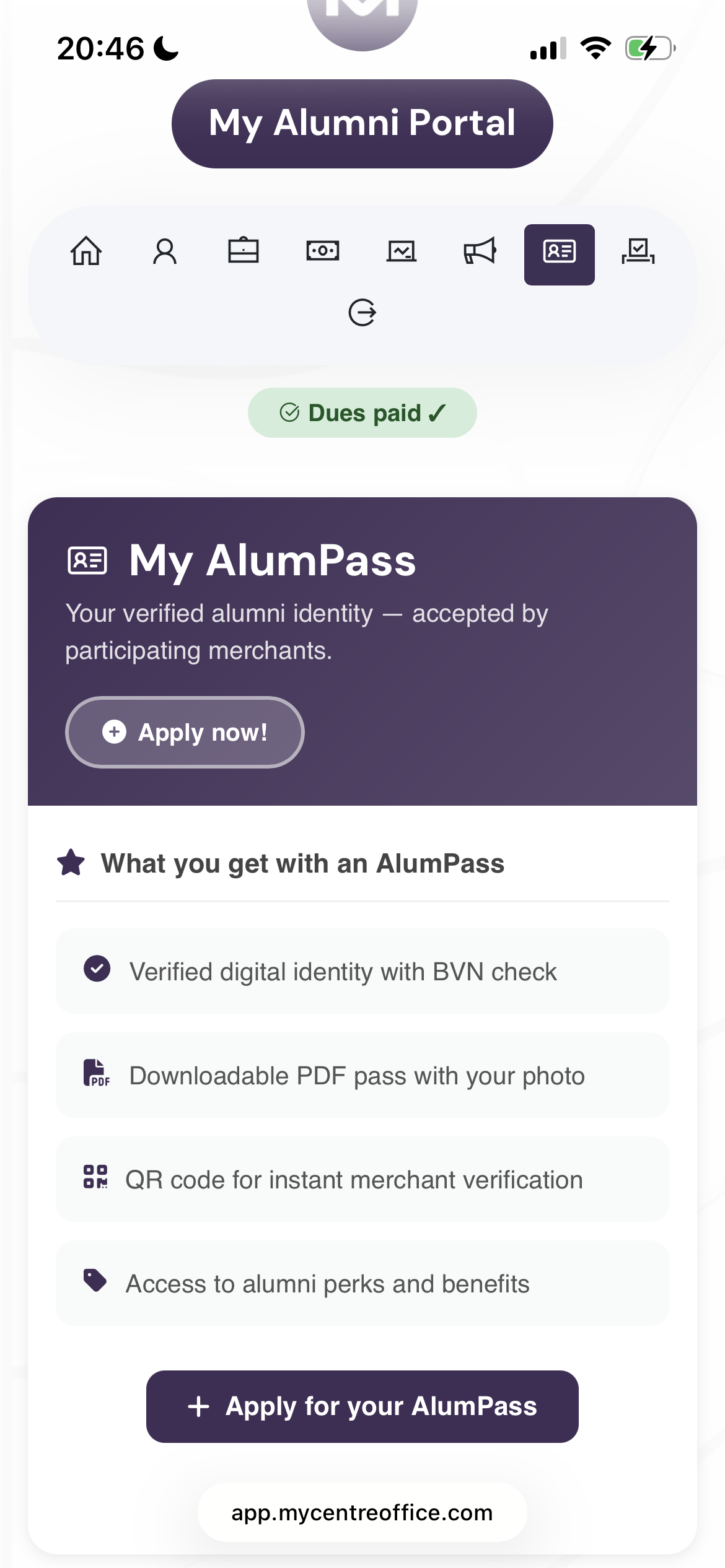
Once logged in, navigate to the My AlumPass section. You will see a summary of everything included with the pass — your verified identity card, merchant discounts, wallet integration, and usage stats.
Tap Apply Now to begin your application. You will be asked to review the terms before proceeding to payment.
Complete your payment
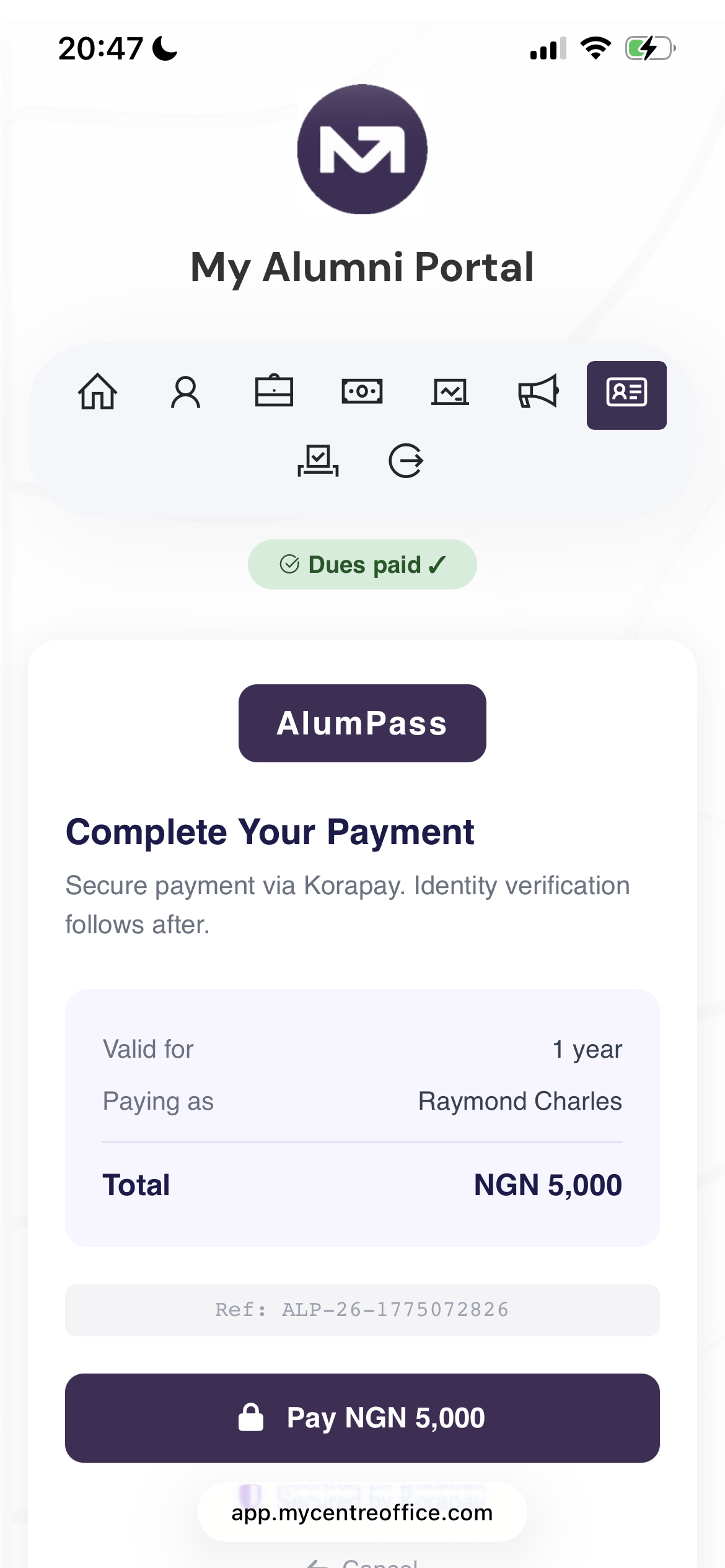
Payment is processed securely via Korapay. The pass fee is ₦5,000 and is the same across all partner associations — no one pays more or less than another.
The payment screen shows the amount, the name it is being paid under, and a secure Pay button. The whole payment takes under a minute.
Verify your identity
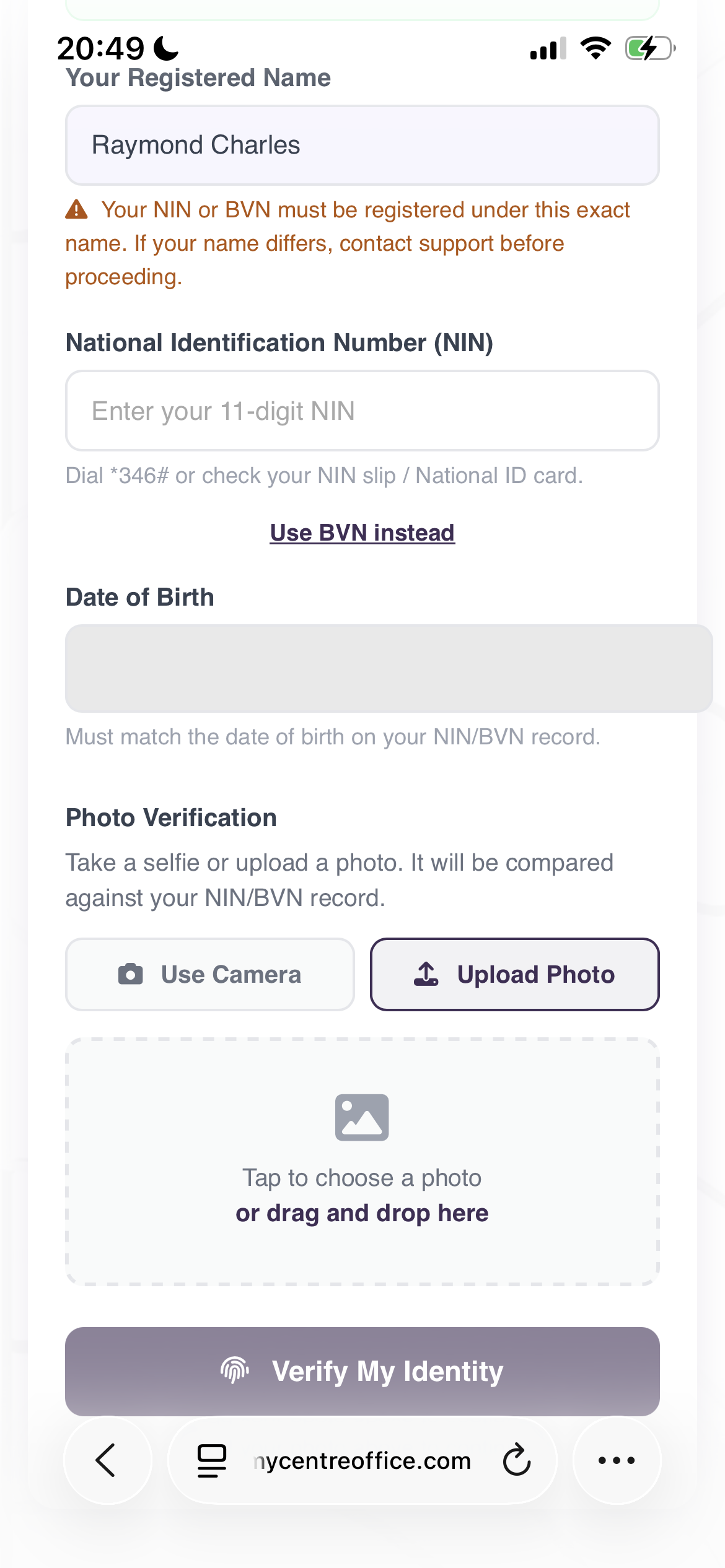
First-time applicants complete a one-time identity verification. This is what makes your pass trusted — every pass holder is a real, verified graduate.
Your pass is ready
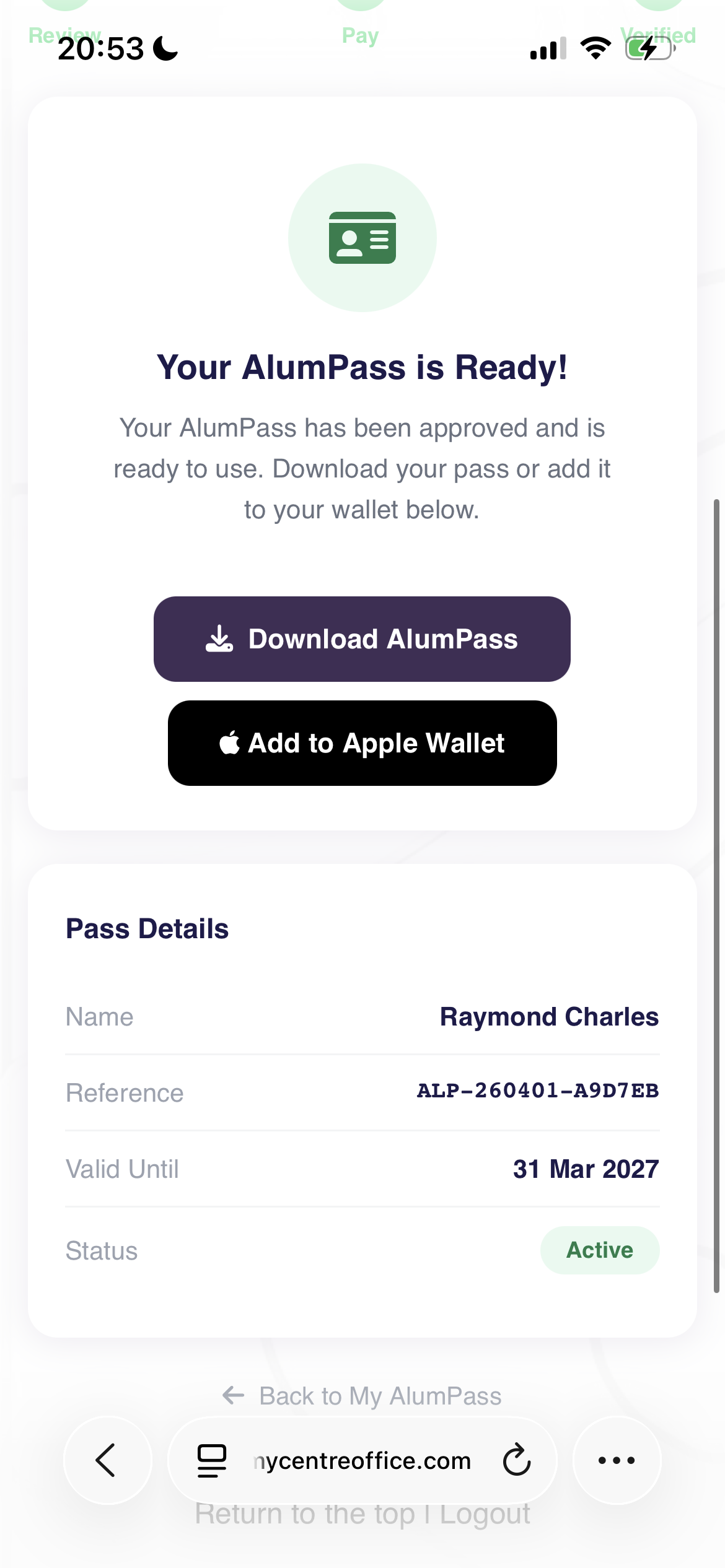
Once approved, you are taken to a confirmation screen showing your name, reference number, validity date, and status. Your pass is ready to use immediately.
You can download it as a PDF, add it to Google Wallet on Android, or add it to Apple Wallet on iPhone. All three options are available from this screen.
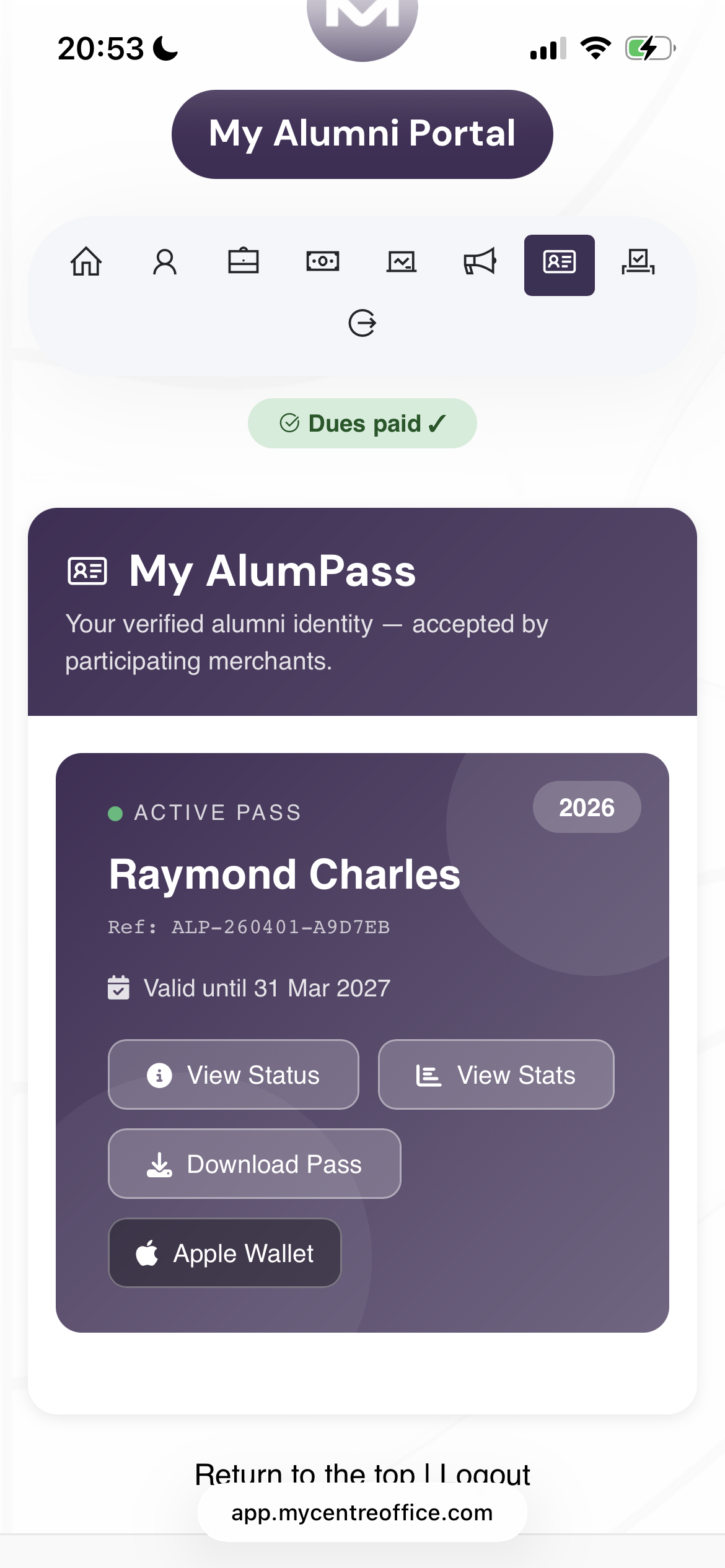
Your active pass dashboard
Your portal home screen shows your active pass card at all times — your name, reference, validity date, and quick-access buttons for everything you need.
From here you can view your pass status, check your savings and usage stats, download your PDF pass again, or re-add to your wallet at any time. The pass is not tied to a device — if you change phones, just log back in.
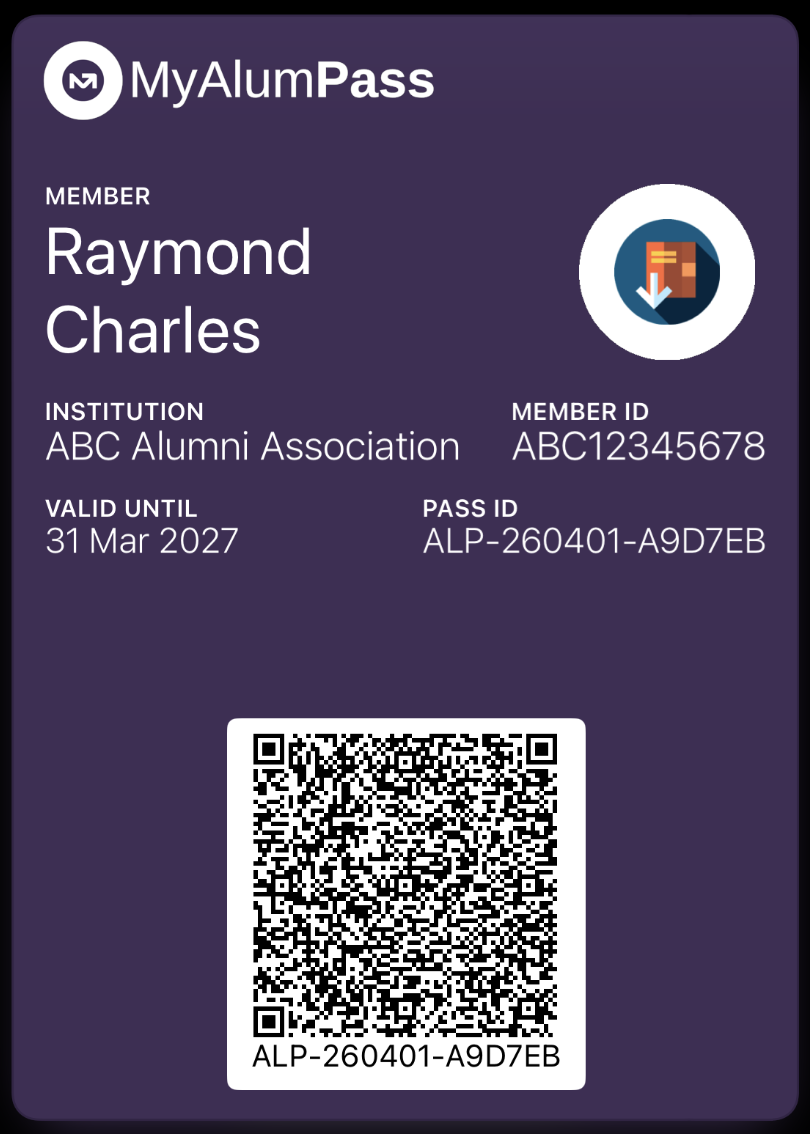
What your pass looks like
The digital wallet pass displays your name, institution, member ID, validity date, and pass ID — all in your association's brand colour. The QR code is shown prominently for instant merchant scanning.
The PDF pass features your photo, name, association name and logo, pass ID, expiry date, and member ID — with a custom QR code for merchant verification and a branded header.
Ready to get your MyAlumPass?
Contact your alumni association to get started. They will send you your portal link and everything you need to apply.